


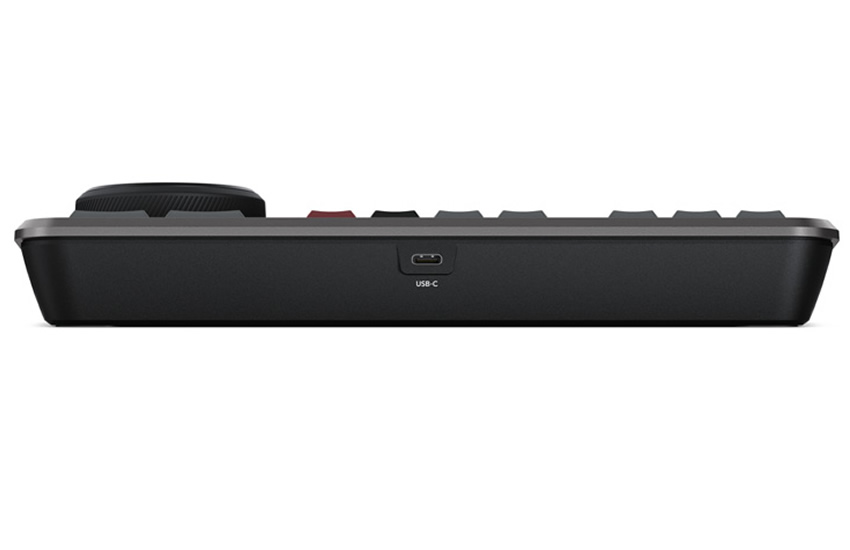
BlackMagic Controller
DaVinci Speed Editor w Jock
MFR# DV/RES/BBPNLMLEKA
BLK# 492-0015
Τιμή στο κατάστημα: 345,00€ + ΦΠΑ
Τιμή Web: 331,20€ + ΦΠΑ
- Panel for DaVinci Resolve w Software
- Jock Dial
- Dedicated keys for switching tools
- USB-C Connection
With a large high quality search dial built into the panel, customers get an extremely accurate way to trim shots. With the search dial being such a physically large control, it completely transforms how it feels to trim shots. Plus it’s much faster too. The trim buttons will change the search dial into a trim control and customers simply hold the trim buttons and rotate the search dial. This means customers can select various trim modes with their left hand while adjusting the trim with their right. It's extremely fast and the smart indicator in the timeline will let customers know which edit users are trimming. Just move along the timeline and live trim edits. It’s a whole new way to work.
Editing software can be slow at adding transitions to edits because customers have to click and drag effects down into the timeline. However, with the DaVinci Resolve Speed Editor, customers can just press a button to switch them on and off. It’s really fast as customers can scroll down the timeline adding or removing effects. The smart indicator in the timeline will let customers know which edit point will be affected, and customers can move the timeline to move the edit point in focus. The cut key will remove any effect on an edit point in the timeline. Pressing dissolve adds a dissolve to the edit point using the default duration. Pressing the smooth cut button adds a smooth cut so customers can eliminate jump cuts.
The DaVinci Resolve Speed Editor eliminates the large QWERTY keyboard for a smaller more portable design, so the function button area includes only the controls customers need for editing. Some of the enhanced function keys on the DaVinci Resolve Speed Editor are not even available on the full sized editor keyboard. Plus, some keys have an alternative function where customers can press and hold or double press to get a second function using the same key. That means customers need less keys for a more portable design, but it still retains a lot of editing power. The keys are in a separate group so customers can find the key customers need by feel and operate faster than a regular keyboard.
The escape key is positioned to the top left so it's easy to locate, as it’s the most common key for reversing some functions. A good example is the sync bin and if customers select a camera, customers can go back to the multiview by selecting this escape key. Plus, if customers double press it, it works as undo.
The sync bin is a new style of multi-cam and it allows customers to find shots that are sync'd to the current shot in the timeline. That lets customers find cutaways using a familiar multiview interface. Then use the camera keys to select an alternative shot, and source overwrite to edit it into the timeline.
The audio level key lets customers quickly set audio levels of clips by holding the key and adjusting the level using the search dial. That's a fast way to set audio levels while editing. Double pressing the key lets customers add a marker, and double pressing and holding allows customers to set the marker color.
The full screen button is highlighted red so customers can find it quickly and switch to a full screen view of their viewer. That’s great for presenting their edit to clients. Plus if customers double press the full view button, it will go into full screen view and play from just before their most recent edit.
Editing software can be slow at adding transitions to edits because customers have to click and drag effects down into the timeline. However, with the DaVinci Resolve Speed Editor, customers can just press a button to switch them on and off. It’s really fast as customers can scroll down the timeline adding or removing effects. The smart indicator in the timeline will let customers know which edit point will be affected, and customers can move the timeline to move the edit point in focus. The cut key will remove any effect on an edit point in the timeline. Pressing dissolve adds a dissolve to the edit point using the default duration. Pressing the smooth cut button adds a smooth cut so customers can eliminate jump cuts.
The DaVinci Resolve Speed Editor eliminates the large QWERTY keyboard for a smaller more portable design, so the function button area includes only the controls customers need for editing. Some of the enhanced function keys on the DaVinci Resolve Speed Editor are not even available on the full sized editor keyboard. Plus, some keys have an alternative function where customers can press and hold or double press to get a second function using the same key. That means customers need less keys for a more portable design, but it still retains a lot of editing power. The keys are in a separate group so customers can find the key customers need by feel and operate faster than a regular keyboard.
The escape key is positioned to the top left so it's easy to locate, as it’s the most common key for reversing some functions. A good example is the sync bin and if customers select a camera, customers can go back to the multiview by selecting this escape key. Plus, if customers double press it, it works as undo.
The sync bin is a new style of multi-cam and it allows customers to find shots that are sync'd to the current shot in the timeline. That lets customers find cutaways using a familiar multiview interface. Then use the camera keys to select an alternative shot, and source overwrite to edit it into the timeline.
The audio level key lets customers quickly set audio levels of clips by holding the key and adjusting the level using the search dial. That's a fast way to set audio levels while editing. Double pressing the key lets customers add a marker, and double pressing and holding allows customers to set the marker color.
The full screen button is highlighted red so customers can find it quickly and switch to a full screen view of their viewer. That’s great for presenting their edit to clients. Plus if customers double press the full view button, it will go into full screen view and play from just before their most recent edit.
STATUS
- Status
- New
- Availability
- Available on order: 15 Business Days
- Controller Type
-
Control Panel for Mixer/Switcher/Router
GENERAL FEATURES
- Suitable for
-
Blackmagic DaVinci Resolve
- Mount
-
Desktop
MORE SPECIFICATIONS
- Extras
-
Dedicated keys for switching tools, working with nodes, grabbing stills and navigating the timeline.
Jock Dial.
Bluetooth Connection.
Includes DaVinci Resolve Studio Licence.
- Power
-
Through USB
- Country of Origin
-
Australia
- Warranty
- 2 Years
PHYSICAL
- Total Dimensions (WxHxD)
- 25 x 3 x 20 cm
- Total Weight
- 1.2 kg
- Panel with Software
- DaVinci Resolve Studio Licence
-
Δεν υπάρχουν διαθέσιμα αρχεία.
Δεν υπάρχουν διαθέσιμα βίντεο.
Cable
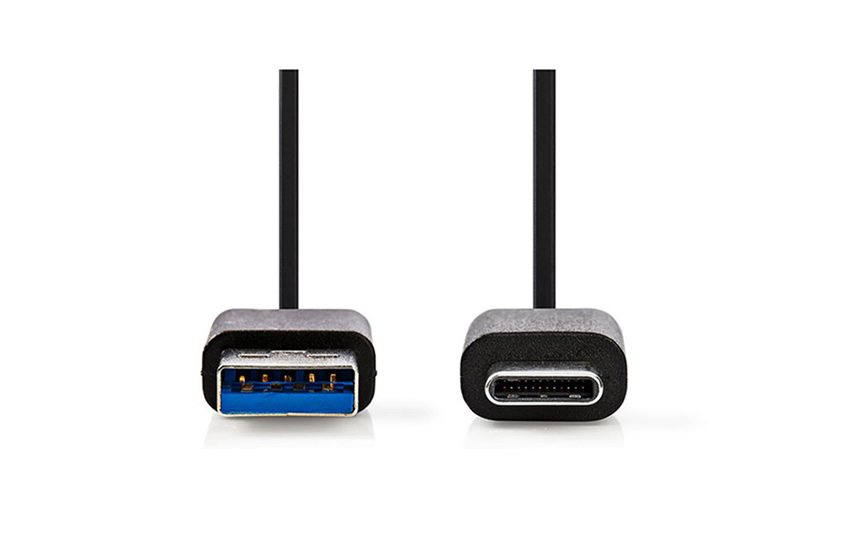

USB-C 3.1 Male 1M
Τιμή στο κατάστημα: 5,47€ + ΦΠΑ
Τιμή Web: 5,25€ + ΦΠΑ
- Data Cable
- USB C to USB A 3.1
- 1.0m length
- Maximum speed 480 Mbps
3τμχ σε απόθεμα
Άμεση Αποστολή
Άμεση Αποστολή
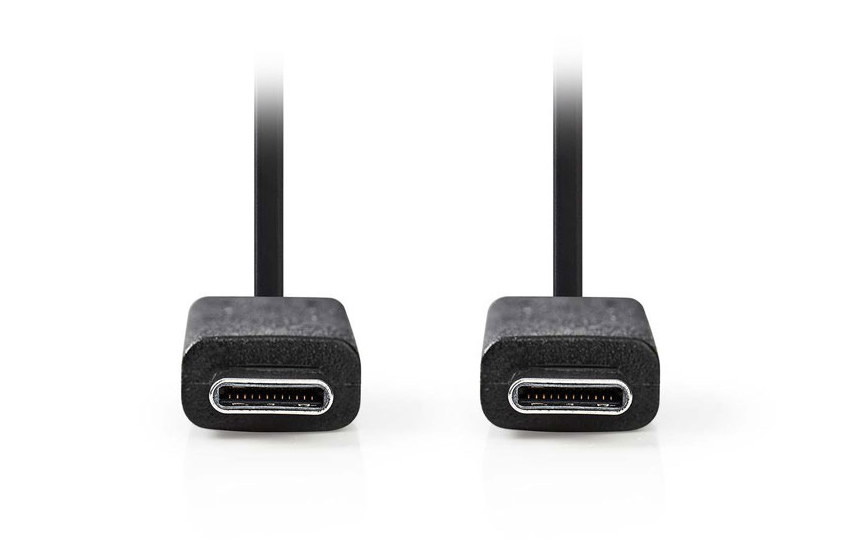
USB-C to USB-C Male 1M
Τιμή στο κατάστημα: 15,54€ + ΦΠΑ
Τιμή Web: 14,91€ + ΦΠΑ
- USB Cable 1m
- USB-C Male to USB-C Male
- USB3.0 Gen2
- 10Gbit/sec max speed
4τμχ σε απόθεμα
Άμεση Αποστολή
Άμεση Αποστολή
PC-Box
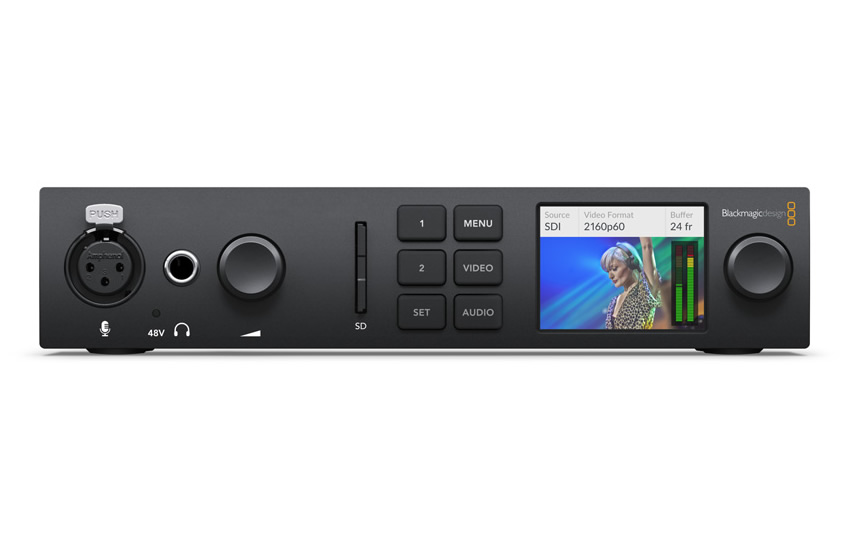

UltraStudio 4K Mini
Τιμή στο κατάστημα: 948,85€ + ΦΠΑ
Τιμή Web: 910,89€ + ΦΠΑ
- Video PC-Box for Capture
- 12G/HD/SD-SDI & Component input
- HDMI 4K IN/OUT
- 16CH Embedded Audio input
Μη διαθέσιμο
Κατόπιν Παραγγελίας: 15 Εργάσιμες μέρες
Κατόπιν Παραγγελίας: 15 Εργάσιμες μέρες
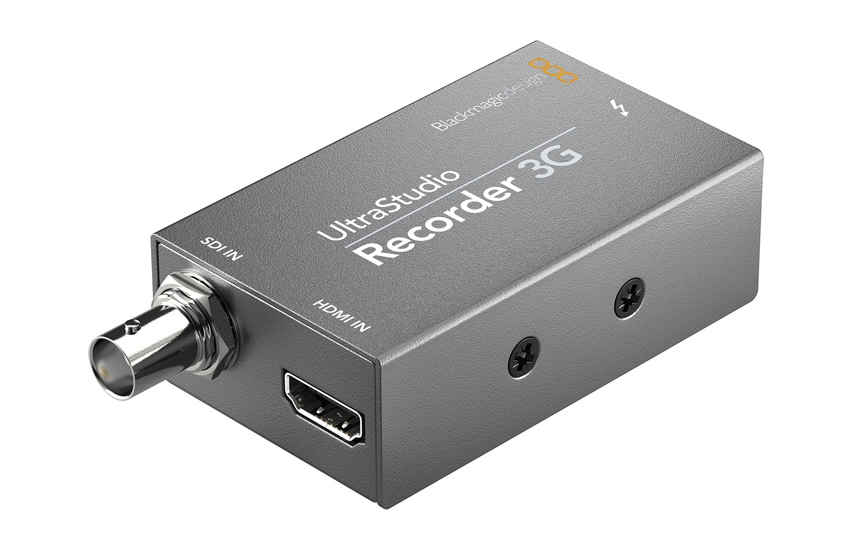
UltraStudio-Recorder-3G
Τιμή στο κατάστημα: 113,03€ + ΦΠΑ
Τιμή Web: 108,50€ + ΦΠΑ
- Video PC-Box for Capture
- 3G/HD/SD-SDI & HDMI IN
- 16CH Embedded Audio IN
- Thunderbolt 3 Connection
1τμχ σε απόθεμα
Άμεση Αποστολή
Άμεση Αποστολή
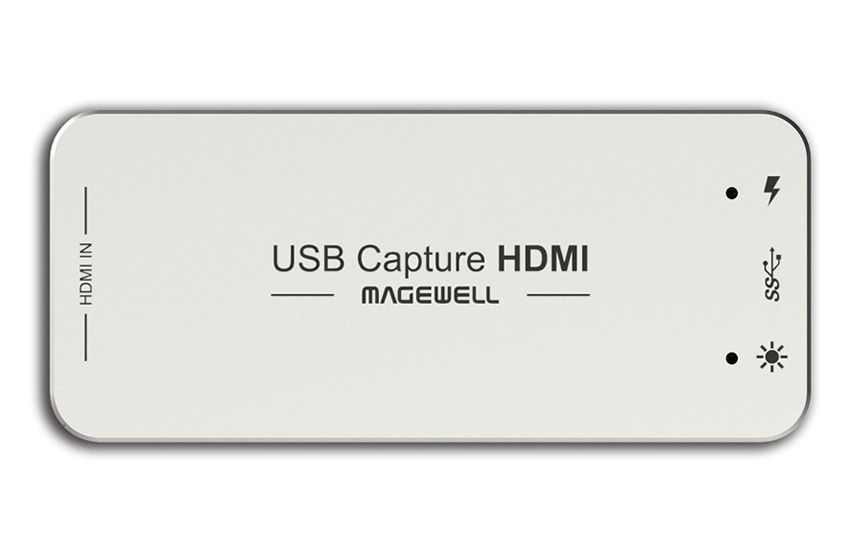

USB Capture HDMI Gen2
Τιμή στο κατάστημα: 320,56€ + ΦΠΑ
Τιμή Web: 307,73€ + ΦΠΑ
- Video PC-Box for Capture
- HDMI input?
- Embedded audio
- USB3.0 interface
1τμχ σε απόθεμα
Άμεση Αποστολή
Άμεση Αποστολή
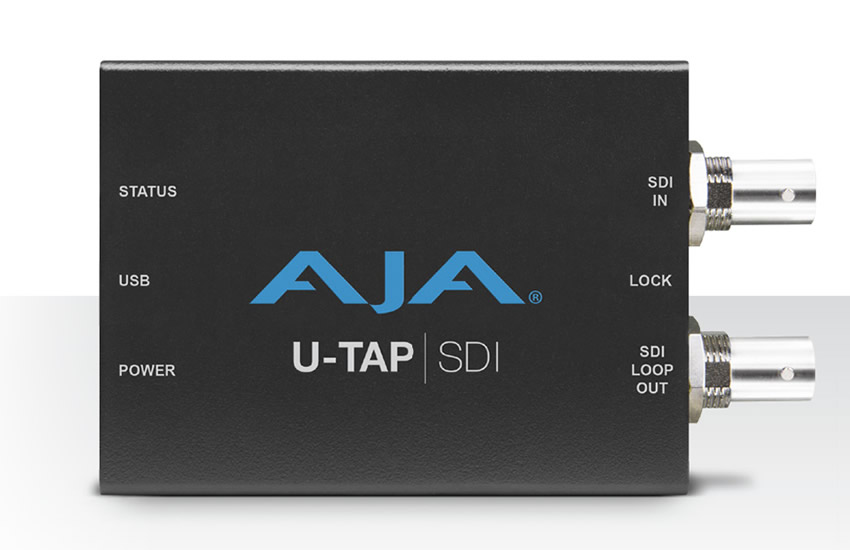

UTAP-SDI
Τιμή στο κατάστημα: 461,79€ + ΦΠΑ
Τιμή Web: 443,31€ + ΦΠΑ
- Video PC-Box
- 3G/SD-SDI input
- 2CH Embedded Audio
- USB3.0 Connection
Μη διαθέσιμο
Κατόπιν Παραγγελίας: 15 Εργάσιμες μέρες
Κατόπιν Παραγγελίας: 15 Εργάσιμες μέρες
Software
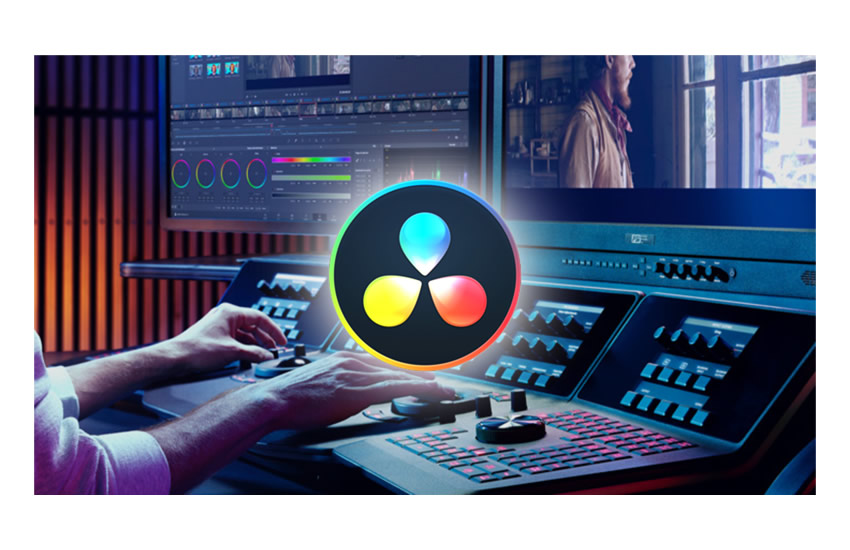
DaVinci Resolve Studio
Τιμή στο κατάστημα: 255,00€ + ΦΠΑ
Τιμή Web: 244,80€ + ΦΠΑ
- Editing Software
- Color Correction
- Fairlight Audio
- Supports 4K Slow motion
5τμχ σε απόθεμα
Άμεση Αποστολή
Άμεση Αποστολή

Fusion Studio
Τιμή στο κατάστημα: 255,00€ + ΦΠΑ
Τιμή Web: 244,80€ + ΦΠΑ
- Editing Software
- Ideal for Visual Effects, 3D & VR
- Node-based Workflow
- Broadcast Graphics and Titles
Μη διαθέσιμο
Κατόπιν Παραγγελίας: 15 Εργάσιμες μέρες
Κατόπιν Παραγγελίας: 15 Εργάσιμες μέρες